
If you’ve been working online - or running any kind of business - you’ve probably noticed something.People don’t really read long explanations anymore. A quick video explains more than a page of text, and honestly, it’s easier for everyone. That’s why businesses are putting more effort into video content now whether it’s for marketing, training, or just explaining things better. But here’s the catch. Creating videos the traditional way is still time-consuming. You need scripts, editing, voiceover and sometimes a lot of patience.
That’s where a video generation platform starts to make sense. Instead of building everything from scratch, you can now create videos in a much simpler way often in minutes. It’s not about replacing creativity. It’s more about removing the heavy lifting.
What is a Video Generation Platform?
Let’s keep this simple. A video generation platform is a tool that helps you turn ideas into videos without needing editing skills. You don’t need to figure out timelines or effects. You just start with a script or even a rough idea-and the platform builds the video for you. Now, an ai video generation platform goes a bit further. It doesn’t just help—it actually does most of the work.
It can split your script into scenes, Add visuals that match your content, Generate voice automatically, Put everything together. It’s not always perfect on the first try, but it gets you very close. And that’s usually enough to save a lot of time
How a Text to Video Generator Works
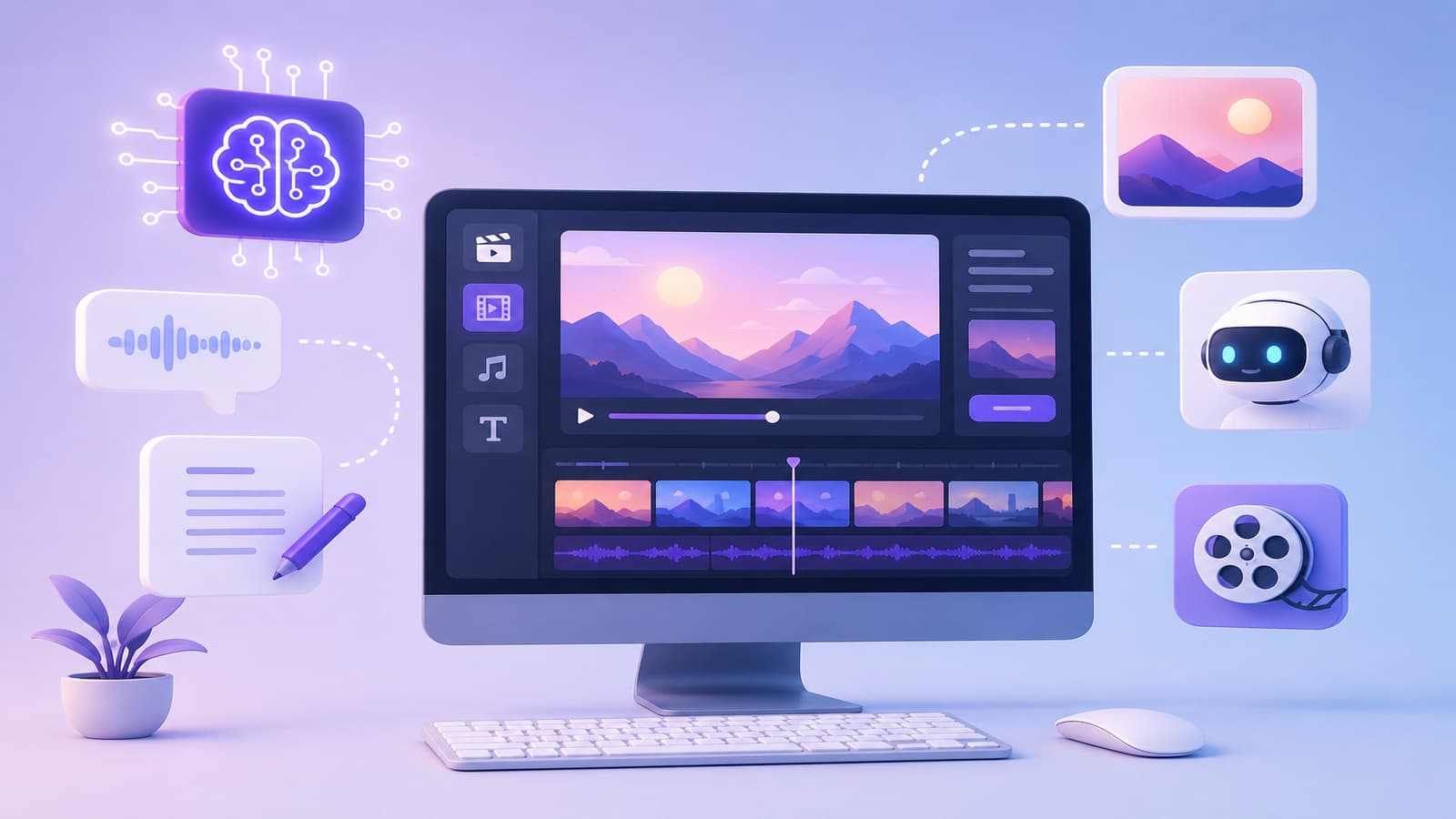
This part sounds technical, but when you actually use it, it’s pretty straightforward. You start with a script. Once you add it, the text to video generator breaks your content into smaller chunks. Each chunk becomes a scene. Then the platform tries to match visuals with what you’ve written. Sometimes it gets it spot on, sometimes you tweak it a bit.
After that, it adds voice. Most tools have a built-in AI voice generator, so you don’t have to record anything yourself. Then comes editing-but the good part is, you don’t really have to do much. Transitions, timing, even background music are handled automatically. And within a few minutes, you’ve got a video. Some tools also support speech to text online, which is useful if you already have audio content and want to turn it into something visual.
Key Features of an AI Video Creation Platform
Not every tool is packed with features, but the ones that actually help tend to focus on the basics. One useful feature is the text to video generator itself-it saves you from starting from zero every time. Then you have video maker tools. These give you just enough control to adjust scenes without making things complicated.
Templates are another big help. Instead of thinking about design, you just pick something and move forward. Automation is where most of the time gets saved. You don’t have to worry about syncing everything manually. And if you already have content, pairing this with an AI transcription tool makes things even easier. You can reuse what you’ve already created instead of starting fresh.
Benefits of Using a Video Generation Platform for Enterprise Video
For businesses, the biggest issue isn’t ideas-it’s time. There’s always something else to do, and video creation often gets delayed. A video generation platform helps remove that delay. First, it speeds things up. A lot.
What used to take days can now be done in one sitting. That alone changes how often you create content. Second, it cuts down costs. You don’t need a full team every time you want to make a video. It also helps with consistency. When you’re creating enterprise video, you don’t want every video to look completely different. These tools help keep things aligned. And if you need more content, scaling becomes easier. You don’t have to rethink the whole process every time.
Role of Video Maker in AI Video Generation
Even though AI does most of the work, you still need some control-and that’s where a video maker becomes useful. It lets you adjust scenes if something feels off, Change text or visuals, Fix timing, Add small personal touches, This balance is important. If you’re a beginner, you can rely on automation. If you have more experience, you can fine-tune things. You can also pair it with a text to speech tool if you want quick voiceovers without recording anything. It’s not about doing everything manually-it’s about having the option to step in when needed.
Best Use Cases of AI Video Generation Platform in 2026
What’s interesting is how many ways people are actually using these tools now. Marketing is the obvious one-ads, product demos, short videos. It’s faster to test ideas when you can create content quickly.Training is another big area. Instead of repeating the same onboarding sessions, companies create videos once and reuse them.
Social media content has become easier too. Quick tips, short clips, updates you don’t need a full setup anymore. Even internal communication has changed. Instead of long emails, teams share short videos to explain things better. And then there’s content repurposing. You can take a blog, turn it into a video, or convert audio using speech to text online and build something new from it.
How to Choose the Right Video Generation Platform
This is where most people get stuck. There are a lot of tools out there, and they all sound similar. The easiest way to decide? Don’t overcomplicate it. Start with something that feels simple. If it’s confusing, you probably won’t use it much. Check if it has the basics-text to video generator, templates, and video maker tools. Make sure you can tweak things when needed. Even small edits matter. Also, look at the output quality. The video should look clean, not rushed. And if it works well with an AI transcription tool, that’s a bonus. It means you can reuse your existing content easily.
Future of AI Video Generation Platform
Things are moving quickly here. AI tools are getting better at understanding context, which means less effort on your side. We’re also seeing more personalized content-videos that feel more relevant to specific audiences. Voice quality is improving too. It’s getting harder to tell what’s generated and what’s recorded. Over time, using an AI video generation platform will probably feel normal-like using any other tool in your workflow.
Conclusion
If you step back and think about it, video creation has changed quite a bit. It used to feel like something you had to plan for. Now, it’s something you can just sit down and do.
A video generation platform doesn’t remove effort completely-but it removes enough friction to make things easier. If you’re just starting, don’t try to do everything at once.Try small things. Use an AI transcription tool, test a simple text to speech tool, create one short video. Once you get used to it, the process starts to feel natural. And after that, it just becomes part of how you work.